Why Outdated Plugins Destroy WordPress Sites

The Silent Killer: Why Outdated Plugins and Themes Are a Security Nightmare
Introduction WordPress is the world’s most popular Content Management System (CMS), powering over 43% of the entire internet. Its popularity stems from its vast ecosystem of plugins and themes. However, this popularity acts as a double-edged sword. For hackers, the WordPress ecosystem is a massive target. The number one entry point for these attacks? Outdated software. Many business owners believe that once a website is built, the work is done. This misconception is the primary reason why thousands of websites are compromised every day. In this article, AMA IT Solutions explains why website maintenance is not an optional expense, but a critical insurance policy for your business.
How Hackers Exploit Outdated Plugins
To understand the risk, you must understand the mechanism of an attack.
The Vulnerability Cycle: Developers are human; they write code that sometimes contains mistakes (bugs). When a security researcher or a hacker finds a bug in a popular plugin (e.g., a contact form or a slider), the developer releases a “Security Patch” (an update) to fix it.
The Exploit Window: Once the update is released, the vulnerability becomes public knowledge. Hackers immediately launch automated bots to scan millions of websites, looking specifically for the old version of that plugin.
The Result: If you haven’t updated, the bot finds your site, exploits the known bug, and installs a backdoor—often within hours of the vulnerability being announced.
Common Attack Types via Plugins
SQL Injection (SQLi): Attackers force the plugin to execute malicious database commands, allowing them to steal user data, passwords, or customer emails.
Cross-Site Scripting (XSS): Hackers inject malicious scripts that run in your visitors’ browsers, potentially redirecting them to scam sites or stealing their cookies.
Remote Code Execution (RCE): The most dangerous attack. It allows the hacker to take full control of your server, upload files, and delete your entire website.
Performance and Compatibility Issues
Security isn’t the only victim of neglect. Outdated plugins can cripple your website’s performance.
Code Bloat: Old plugins often contain deprecated code that is no longer efficient. This slows down your server response time (TTFB), hurting your Core Web Vitals and SEO rankings.
The “White Screen of Death”: If your hosting provider updates the server’s PHP version (e.g., from PHP 7.4 to PHP 8.2) but your plugins are 3 years old, they will likely break. This results in the site crashing completely, displaying a blank white screen to your customers.
The Risk of "Nulled" or Free Premium Plugins
Some businesses try to save money by downloading “Nulled” versions of premium plugins from third-party sites. This is a catastrophic mistake.
Pre-Installed Malware: 99% of nulled plugins contain hidden malicious code. You are essentially inviting the hacker into your home and giving them the keys.
No Updates: Nulled plugins do not receive updates. You will be permanently vulnerable to the first security flaw discovered in that software.
What Does Professional Maintenance Look Like?
At AMA IT Solutions, our Maintenance & Support packages are designed to give you peace of mind. We don’t just click “Update.”
Visual Regression Testing: Before updating a major plugin (like WooCommerce), we test it on a “Staging Site” (a clone of your website). We ensure the update doesn’t break your design or checkout process before applying it to the live site.
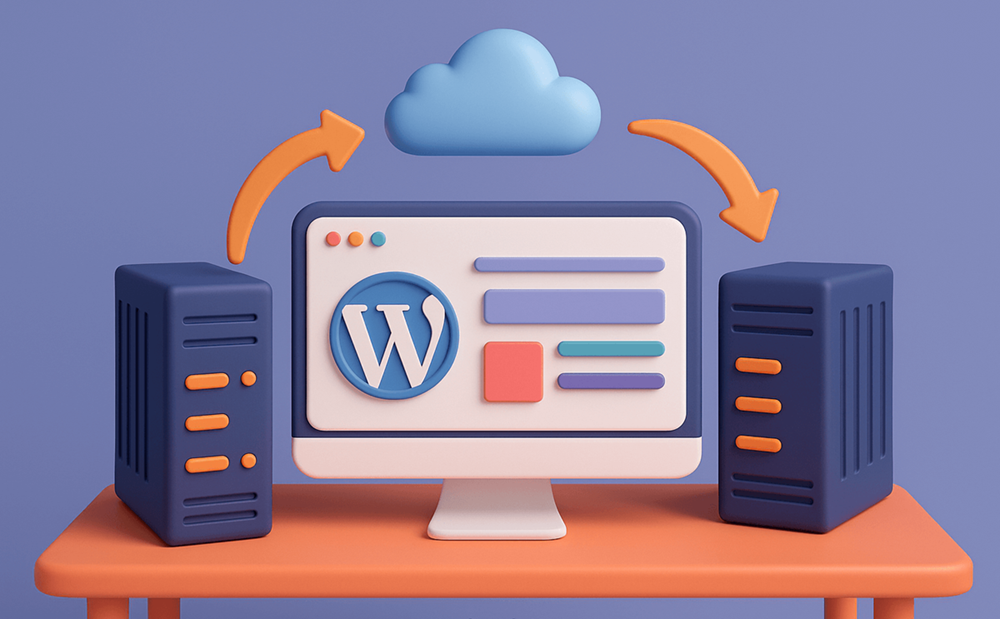
Off-Site Backups: We take daily backups and store them on an external cloud server. If the worst happens, we can restore your site to its perfect state in minutes.
Uptime Monitoring: We monitor your site 24/7. If it goes down for even a minute, our team is alerted instantly to fix the issue
Maintenance is Cheaper than Repair The cost of cleaning a hacked website—including removing malware, de-listing from Google’s blocklist, and restoring customer trust—is significantly higher than the cost of a monthly maintenance plan. Don’t leave your digital business defenseless. Check out our Maintenance & Support plans to ensure your site remains secure, fast, and always online.